Understanding generative AI: the basics for educators
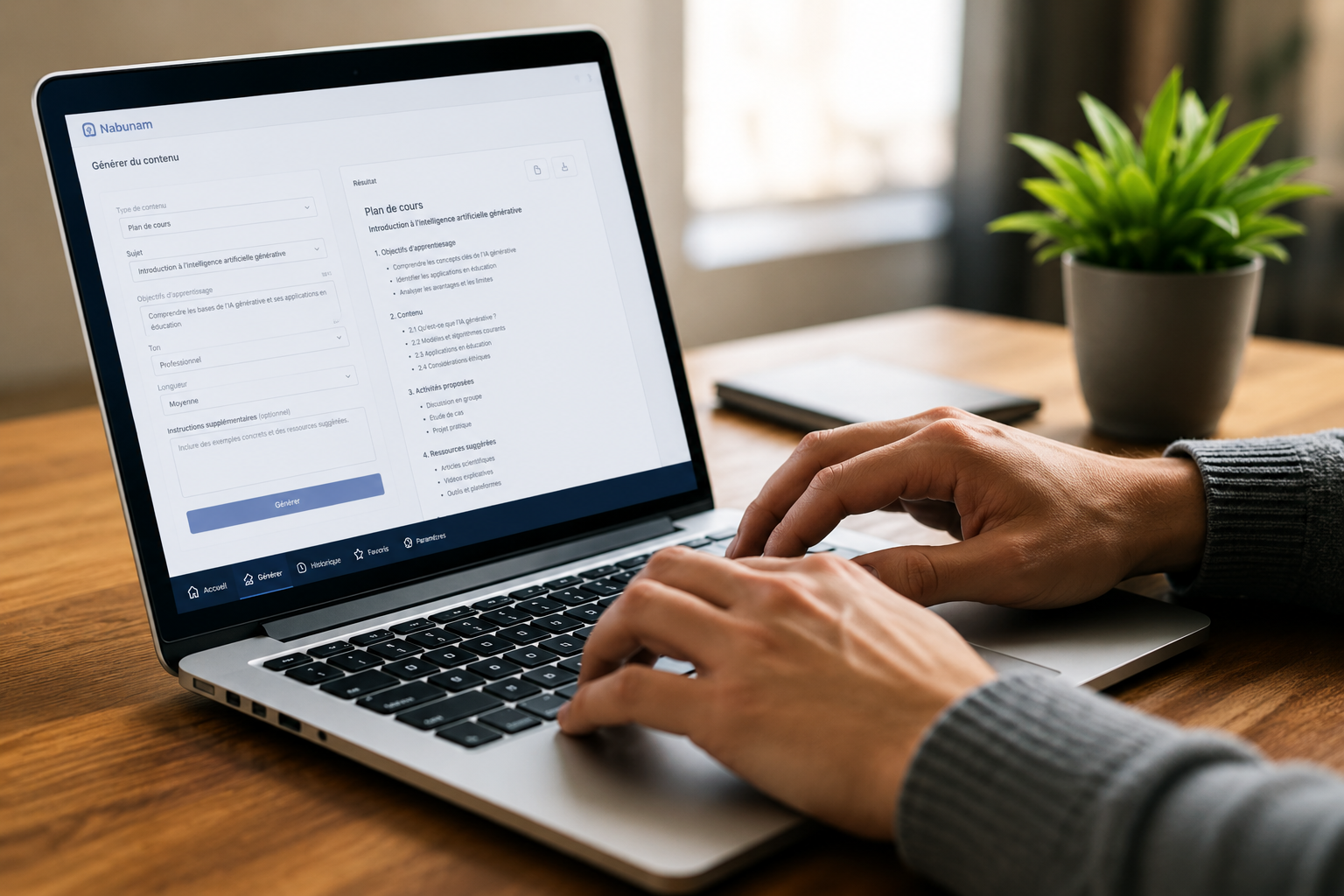
Over the past few years, "generative AI" has become a constant topic of conversation in schools, often without anyone taking the time to properly explain it. For educators without a technical background, it can feel abstract, even intimidating. The good news is that understanding the basics doesn't require knowing how to code — it quickly becomes a useful professional literacy, not unlike understanding the broad strokes of a spreadsheet or a course management platform.
What generative AI actually is
Generative AI refers to systems that can produce original content — text, images, summaries, exam questions — from a plain-language prompt. Unlike a search engine, which retrieves information that already exists, these tools compose a new response each time, drawing on models trained on enormous amounts of text.
That distinction matters: the output isn't copied from a specific source, nor is it guaranteed to be accurate. It's a statistical prediction of what a plausible answer looks like, which explains both its usefulness and its limitations. A teacher who understands this basic principle naturally develops a habit of verification, rather than automatically trusting every output.
Why this matters for teaching
In a classroom context, generative AI can help with:
- drafting a first version of instructions or questions;
- summarizing a long text to surface its main ideas;
- suggesting starting points for feedback on student work;
- generating variations of the same exercise.
In every case, the tool offers a starting point. It's the teacher who reviews, adjusts, or discards the suggestion based on professional judgment and knowledge of their students. That dynamic changes the nature of the work more than it eliminates it: instead of starting from a blank page, the teacher starts from a draft to revise, which calls for a different kind of attention, not necessarily less of it.
What generative AI is not
It's just as useful to name what these tools don't do. They don't understand the specific context of a given class, don't know an individual student's particular needs, and can produce factual errors with the same confidence as a correct answer. Human oversight remains necessary at every step, not just at the end of the process.
It also isn't a system that "gets to know" a teacher or a class over time the way a person would. Each interaction remains, technically, largely independent from previous ones, unless the platform in use is specifically designed to retain pedagogical context from one session to the next.
Where to start
For a first exploration, it's reasonable to begin with low-stakes tasks: drafting a lesson plan outline, summarizing an article, generating variations of multiple-choice questions. These uses help build a feel for the tool's strengths and limits before moving into more sensitive tasks, like grading.
Platforms built specifically for education, like Nabunam, are designed to structure these uses within a framework built for teaching, rather than leaving each teacher to navigate a general-purpose tool alone. That structure typically includes built-in oversight, defined roles, and a better grasp of pedagogical context than what a general-purpose tool can offer.
A skill that builds over time
As with any new tool, comfort comes from practice more than from a one-time training session. Teachers who progress fastest are often the ones who start small — a single task, a single group — before expanding their use once they've seen the first results directly in their own practice.